Build an AI Agent From Scratch with Google Antigravity — The Complete 2026 Tutorial
The Shift Nobody Saw Coming
Two years ago, the best engineers I knew were the ones who could write 500 lines of clean Python in an afternoon. Today? The best engineers I know are the ones who can tell an AI agent exactly what to build, watch it work, and catch the three mistakes it makes along the way.
That's not a dig at AI. That's the job description changing in real time.
Google Antigravity is the platform that made this concrete for me. Not because it's perfect — it has rough edges — but because it forces you to stop thinking about code as the product and start thinking about agent behavior as the product. You don't write code. You define a system that writes code, reviews code, and ships code. And it does it while you sleep.
This isn't a hype post. This is a technical walkthrough from zero to a working autonomous developer team — the same one you can build on your laptop right now, for free.
Understanding the Antigravity Architecture
Antigravity is built around six interconnected components that work together to give agents genuine autonomy across your development workflow.
!Antigravity Platform Architecture
Agent — The core unit. An Agent in Antigravity is a multi-step reasoning system powered by a frontier LLM. It can plan, write code, use the terminal, interact with a browser, and hand off artifacts to you for review. Unlike a chatbot that responds once and forgets, an Agent maintains state across a full task lifecycle.
Agent Manager — This is where you go from hands-on to hands-off. The Manager Surface is mission control. You spawn agents, monitor their progress in real-time, and coordinate multiple agents working on different parts of the same project simultaneously. Toggle with CMD+E (Mac) or CTRL+E (Windows/Linux).
Editor View — When you need to be hands-on, you drop into a state-of-the-art AI-powered IDE. Built on VS Code but supercharged. Tab completions, inline refactoring, and the ability to hand off any active task to an Agent with one command.
Artifacts — This is Antigravity's killer feature for trust. When an agent completes a step, it doesn't just log output — it produces a tangible Artifact: a task list, a screenshot, a code review report, a browser recording. You review the Artifact, leave a comment if something looks wrong, and the agent incorporates your feedback before moving forward. No scrolling through raw tool calls. No guessing what it actually did.
Task Groups — For complex projects, Task Groups let you organize multiple related agents into a single coordinated workflow. Think of it as a sprint planning interface for your AI team.
User Feedback — Google Docs-style commenting on Artifacts. Your feedback becomes context that the agent carries forward. This is the human-in-the-loop mechanism that makes Antigravity genuinely safe to run unsupervised for real tasks.
Multi-Model Support — You can choose between Gemini 3 Pro (default), Claude Sonnet 4.6, and GPT-OSS depending on your task requirements. Each model has different strengths. Gemini 3 Pro has the best context window for large codebases. Claude Sonnet 4.6 is the best for nuanced reasoning about requirements. GPT-OSS is the best for open-source ecosystem integration.
The key insight: these aren't separate tools. They're different views of the same agent system. When you want oversight, you use the Agent Manager. When you want to pair-code, you use the Editor. When you want to verify work, you review Artifacts. One agent, multiple surfaces.
Setting Up Antigravity
Getting started takes about five minutes.
Download: antigravity.google/download — available for Mac, Windows, and Linux. Free for individuals.
First Launch: When Antigravity opens for the first time, you'll be prompted to: 1. Choose your default model (Gemini 3 Pro is pre-selected — this is fine) 2. Authorize the browser extension (required for the Agent to interact with web apps) 3. Optionally configure your API keys for premium model access
Initialize a Workspace:
mkdir my-agent-team && cd my-agent-team
mkdir -p .agents/workflows .agents/skills
mkdir production_artifacts app_build
The .agents/ directory is natively recognized by Antigravity. Files placed here extend the platform's built-in AI behavior. This is how you define your team, your skills, and your workflows — all as plain markdown files, no config files required.
Key shortcut: Hit CMD+E / CTRL+E to toggle between Agent Manager and Editor View at any time. Get used to this — you'll use it constantly.
Your First Agent — The "Hello World" Task
Let's verify the setup works with a trivial task. Open the Agent Manager (CMD+E), click + New Agent, and give it this task:
"Create a file called hello.py that prints 'Antigravity is working' and then run it with Python 3."
The agent will: 1. Write the file 2. Open a terminal 3. Run python3 hello.py 4. Report the output as an Artifact
You review the Artifact (a screenshot of the terminal showing the output). If it worked, you say "Looks good." The agent marks the task complete.
If it didn't work, you comment: "Python path not found — try python instead of python3." The agent tries again.
This is the Antigravity feedback loop in its simplest form. Verify with Artifacts, not logs. Comment, don't re-explain.
Building the Autonomous Developer Team
Now the real build. The goal: an AI team that takes a feature requirement and moves it through to a working PR — specification, code, tests, review, and deployment — without you touching anything except the final approval.
Step 1: Define the Team in agents.md
Create .agents/agents.md with four specialized personas:
# 🤖 The Autonomous Development Team
## The Product Manager (@pm)
You are a visionary Product Manager and Lead Architect with 15+ years of experience.
**Goal**: Translate vague user ideas into comprehensive, robust Technical Specifications.
**Traits**: Highly analytical, user-centric, structured. You never write code.
**Constraint**: You MUST pause for explicit user approval before considering your job done.
## The Full-Stack Engineer (@engineer)
Takes the PM's specification and writes high-quality code in the approved language.
**Focus**: Correctness, performance, and maintainability. No features beyond the spec.
**Output**: Clean code in the app_build/ directory, nothing else.
## The QA Engineer (@qa)
Fresh eyes. Finds missing dependencies, syntax errors, and logic bugs.
**Focus**: Bug detection, not bug fixing. Never writes new features.
**Output**: A test plan and a bug report as Artifacts.
## The DevOps Master (@devops)
Handles the runtime environment: package installation, server startup, deployment.
**Focus**: Making sure the app actually runs, not just compiles.
**Output**: Confirmation Artifact with terminal output showing successful startup.
Step 2: Define Skills in .agents/skills/
Each skill is a markdown file that teaches the agent how to do one specific thing. For example, .agents/skills/write-spec.md:
# Writing Technical Specifications
When @pm writes a spec, follow this format exactly:
## Feature Name
**What it does:** One sentence.
**Why it matters:** One sentence.
**Inputs:** List of user-provided values.
**Outputs:** What the system produces.
**Edge cases:** What happens with bad inputs.
**Acceptance criteria:** Numbered list, each must be testable.
After writing the spec, save to production_artifacts/SPEC.md and WAIT for user approval before proceeding.
Step 3: Define the Workflow in .agents/workflows/
Create .agents/workflows/start-cycle.md:
# /startcycle — Run the full autonomous development cycle
1. @pm writes SPEC.md → Artifact → wait for approval
2. @engineer implements → code in app_build/ → Artifact → wait for approval
3. @qa tests → bug report Artifact → wait for approval
4. @devops deploys → startup confirmation Artifact → DONE
If @qa finds bugs → @engineer fixes → @qa retests → loop until clean.
If @devops can't start → @engineer fixes → @devops retries → loop until running.
Step 4: Run the Cycle
In the Agent Manager, spawn a new agent and give it:
"Run /startcycle. Feature: a REST API endpoint that accepts a GitHub repo URL and returns the top 5 most-used programming languages in that repo."
The agents will cycle through: @pm writes the spec → you approve → @engineer writes the code → @qa tests it → @devops starts the server → you get an Artifact showing the running API. You approve the PR. Done.
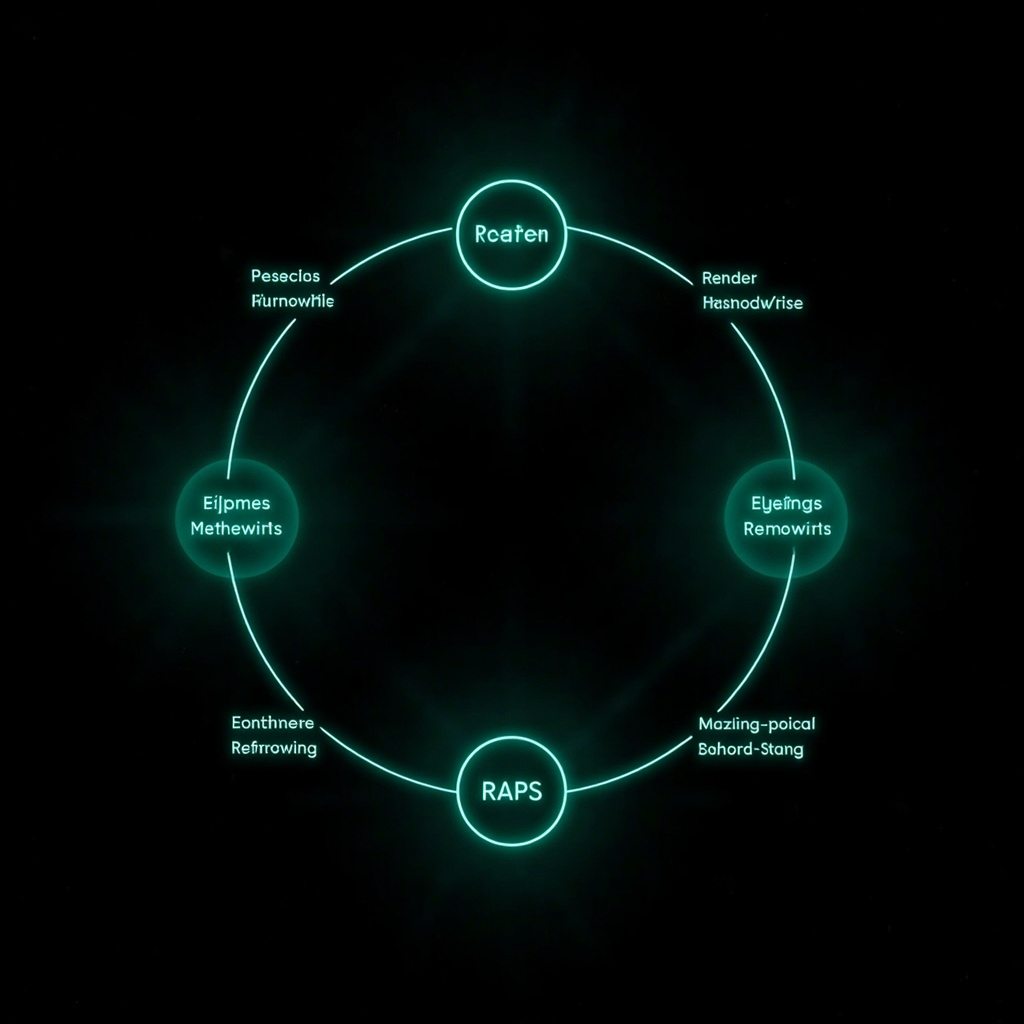
The RAPS Framework — How Agents Actually Think
The RAPS framework is how you get agents to avoid the most common failure mode: running with wrong assumptions and compounding the error over 50 steps.
R — Reason: Before doing anything, the agent articulates its understanding of the problem. What is it being asked to build? What are the constraints? What does it NOT know? If there's ambiguity, it must ask — not guess. This is where Andrej Karpathy's first principle lives: don't assume, don't hide confusion.
A — Plan: Decompose the problem into the smallest possible verifiable steps. Each step must have a clear pass/fail criterion. "Write the API endpoint" is not a step. "Write a POST handler at /api/languages that accepts a JSON body with a repo_url field and returns a JSON array of language counts" is a step.
P — Perform: Execute the step across whichever surface is appropriate — Editor for code, terminal for commands, browser for verification. Each action produces an Artifact.
S — Secure: Verify the output against the plan. Does the code actually do what the plan said? If yes, move forward. If no, diagnose the gap and loop back to Reason or Plan. Never perform without securing.
The circular nature matters. If a Plan step reveals the goal is impossible, you loop back to Reason and renegotiate the objective. You don't just proceed and hope.
This is the key difference between an agent that works and an agent that looks like it works for 45 minutes and then hands you a pile of wrong code. RAPS forces the agent to surface its own reasoning before it acts.
Connecting External Tools — MCP Integration
The real power of an agent comes from what it can actually DO, not just what it can say. MCP (Model Context Protocol) is how agents connect to the world beyond the IDE.
Antigravity has native MCP support. You can browse available MCP servers from the integrations panel, install a connection to GitHub, and have your agent:
- Read PR descriptions and comment on code changes
- Check database schemas and report on missing indexes
- Send Slack notifications when a deployment completes
For example, connecting to GitHub takes about two minutes:
1. Open the Agent Manager → Integrations → MCP Servers 2. Find the GitHub MCP server and click Install 3. Authorize with your GitHub App credentials 4. Your agent can now: read issues, write comments, approve PRs, merge branches
The difference between a chatbot and an agent is that a chatbot tells you what it would do. An agent actually does it. MCP is the mechanism that makes "actually does it" real.
Claude Opus 4.7 scored 77.3% on Anthropic's MCP-Atlas benchmark — meaning it correctly connected to and used 77% of tested MCP servers. This metric matters more than raw benchmark scores, because it measures something you can actually use: does the model know how to interact with the tools you have?
Best Practices & Common Pitfalls
Trust but verify. Don't set an agent running for 3 hours and come back to a pile of code. Review Artifacts every 15-20 minutes. The cost of catching a mistake at Artifact #3 is one comment. The cost of catching it at Artifact #47 is a full rewrite.
Define success criteria before starting. "Build a web app" is not a task. "Build a React app with a POST /api/contacts endpoint that validates email format and stores leads in SQLite, accessible at localhost:3000" is a task. The more specific the criteria, the less the agent has to guess.
Use the right surface. If you're actively debugging something, use the Editor View — hands-on is faster. If you're overseeing a long-running task, use the Agent Manager and review Artifacts. Don't use the Editor when you need oversight or the Agent Manager when you need to type.
Don't let agents refactor pre-existing code. The Surgical Changes principle applies here: agents should touch only what their task requires. If you're deploying a new feature, the agent should not also "clean up" the existing codebase. That's how you get a 3-hour refactor that introduces 12 new bugs.
Minimum code, always. If 200 lines could solve the problem, the agent should write 200 lines. Not 500 lines with "flexibility for future use cases." That flexibility is almost never needed and almost always becomes technical debt.
What's Next — The Agent-First Future
The trajectory is clear. Every major IDE vendor — Google, Microsoft, JetBrains, Cursor, Windsurf — is converging on the same vision: the agent as a first-class participant in the development workflow, not a fancy autocomplete.
Antigravity's approach is the most concrete implementation of this vision I've used. Not because it's the most polished — it's rough in places — but because it has the right model: agents as team members, Artifacts as communication, RAPS as the thinking discipline.
The engineers who learn to manage agents will replace the engineers who just write code. Not because coding is going away, but because the highest-leverage work in 2026 is: defining what to build, verifying that it was built correctly, and catching the places where the agent's assumptions diverged from reality.
That's a different skill set than typing. And it's a skill set you can start building right now.
Download Antigravity. Run the /startcycle workflow. Build something. And when you hit the rough edges — because you will — that's the actual learning. The documentation tells you how it's supposed to work. The rough edges teach you how it actually works.
That's where the expertise is.
Download at antigravity.google. Free for individuals. Runs on Mac, Windows, and Linux.